About the Author – Claire
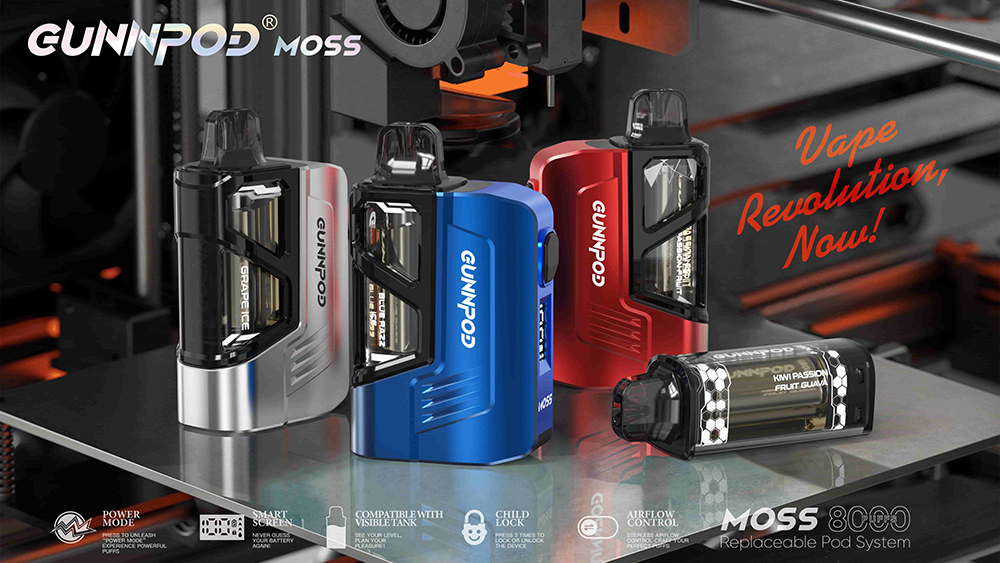
You’ve just purchased the innovative new Gunnpod Moss 8000, a device lauded for its smart technology and incredible flavour. You unbox it, admire its sleek design, bring it to your lips for that first anticipated puff, and… nothing happens. You try again. Still nothing. A wave of frustration washes over you as you think, "Is it broken? Did I just waste my money on a faulty device?"
Let us put your mind at ease: your vape is almost certainly not broken. You have just encountered one of its most important and responsible features—the Child Lock. The Gunnpod Moss is a next-generation smart vape, and with its advanced capabilities comes a commitment to safety. The lock is a deliberate design choice to prevent unintended use, and learning how to operate it is the first step to unlocking the full potential of your device.
This comprehensive guide is designed to be your go-to resource for mastering the Gunnpod Moss. We will provide a simple, step-by-step tutorial on how to unlock (and lock) your device. We'll also explore why this feature is so crucial in modern vapes and troubleshoot other potential issues that might be preventing your device from firing.
Here’s a breakdown of what we will cover:
-
Why Do Modern Vapes Have Locks? A Quick Look at Safety
-
The 5-Click Method: Your Step-by-Step Guide to Unlocking the Gunnpod Moss
-
Troubleshooting: What to Do if Your Gunnpod Moss Still Won't Work
-
A Tour of Your Newly Unlocked Device: Getting to Know the Smart Features
-
The Importance of Authenticity: Why a Real Gunnpod Moss is a Safer Vape
-
Gunnpod Moss Unlocking FAQ: Your Top Questions Answered
At ChatVaper, we believe that an empowered user is a satisfied user. Let's get your device unlocked so you can start enjoying the premium experience you deserve, with the confidence that comes from buying a genuine product from our Sydney warehouse.
Why Do Modern Vapes Have Locks? A Quick Look at Safety
Before we get to the "how," it's important to understand the "why." The inclusion of a child lock feature on a device like the Gunnpod Moss is a sign of a responsible and mature brand. As the vaping industry has evolved, so too has its commitment to user safety and preventing underage access.
A child lock serves two primary purposes:
-
Preventing Accidental Activation: It ensures the device cannot be fired accidentally in a pocket, bag, or purse. This protects the coil from burning out and prevents the device from activating unintentionally.
-
Preventing Unintended Use: This is the most critical function. The lock mechanism acts as a significant barrier to prevent the device from being used by children or individuals for whom it is not intended.
Seeing a child lock on your vape shouldn't be seen as an inconvenience; it should be seen as a mark of quality and a brand's commitment to the safety of you and your community.
The 5-Click Method: Your Step-by-Step Guide to Unlocking the Gunnpod Moss
Unlocking your Gunnpod Moss is incredibly simple once you know the technique. The device uses a common industry-standard method that relies on a sequence of rapid button presses.
Step 1: Locate the Activation Button
First, identify the small button on your Gunnpod Moss device. This button is not for firing the vape (as the device is draw-activated), but is used exclusively for controlling its smart features, including the lock.
Step 2: The Rapid Press Technique
This is the most important part of the process. The device is designed to ignore slow, deliberate presses. It is looking for a very fast sequence to prevent accidental unlocking.
To Unlock or Lock Your Device: Press the activation button five (5) times in very quick succession.
Think of it like a rapid double-click on a computer mouse, but you need to do it five times. The entire sequence of five presses should take no more than 1.5 to 2 seconds.
-
Correct Technique:
click-click-click-click-click(as fast as you can) -
Incorrect Technique:
click... click... click... click...click (with pauses in between)
Step 3: Look for Confirmation
The Gunnpod Moss's smart screen will usually provide a visual confirmation. When you successfully lock or unlock the device, the screen may flash briefly or display a small "lock" or "unlock" icon. Once unlocked, you can simply inhale, and the device will activate as intended, producing a smooth, flavourful vapour.
How to Lock the Device
To re-engage the child lock for safety, you simply repeat the exact same process: press the activation button five (5) times rapidly. This is a great practice to get into whenever you are storing the device or know it will be around others.
Troubleshooting: What to Do if Your Gunnpod Moss Still Won't Work
You've tried the 5-click method repeatedly, and you're still not getting any vapour. Don't panic, and definitely do not try to pry the device open. Let's run through a logical diagnostic checklist.
Checklist Item 1: Are You Pressing Fast Enough?
This is, by far, the most common reason for failure. New users often underestimate how quickly the five presses need to be. Before assuming the device is faulty, have one more try and make a conscious effort to press the button as rapidly as possible.
Checklist Item 2: Is the Battery Dead?
Your device may have arrived with a completely depleted battery. The child lock is an electronic feature; if the battery is dead, it cannot be disengaged.
-
How to Check: This is where the Smart Screen is your best friend. Plug the device into a USB-C charger.
-
If the screen lights up and shows a charging animation, the problem was simply a dead battery. Let it charge for at least 15-20 minutes, then unplug it and try the 5-click unlock method again.
-
If the screen does not light up at all, even after trying a different cable and charger, you may have a genuine fault.
-
Checklist Item 3: Is the Pod Correctly Seated?
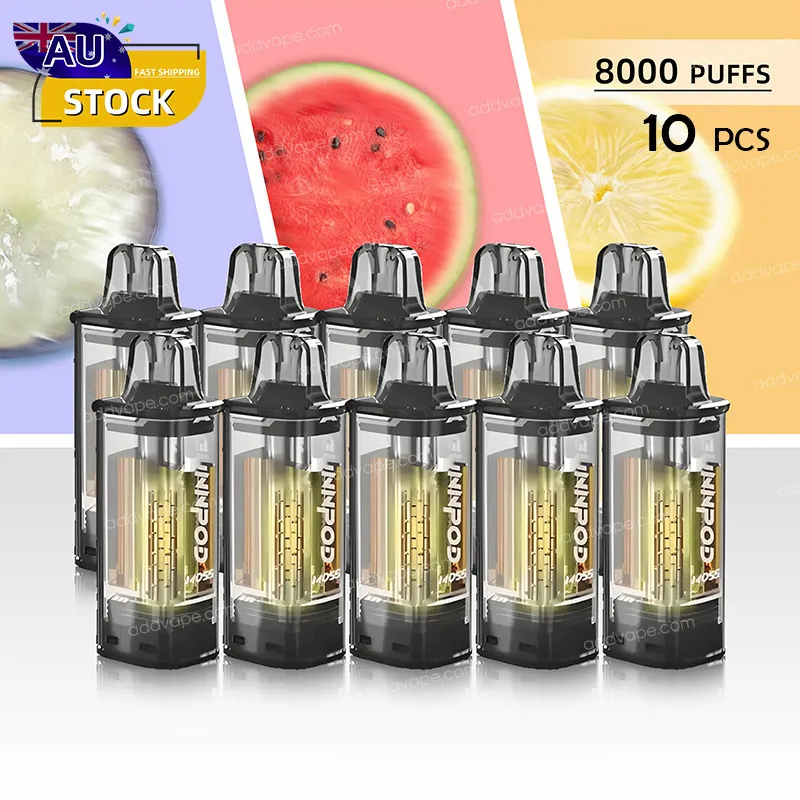
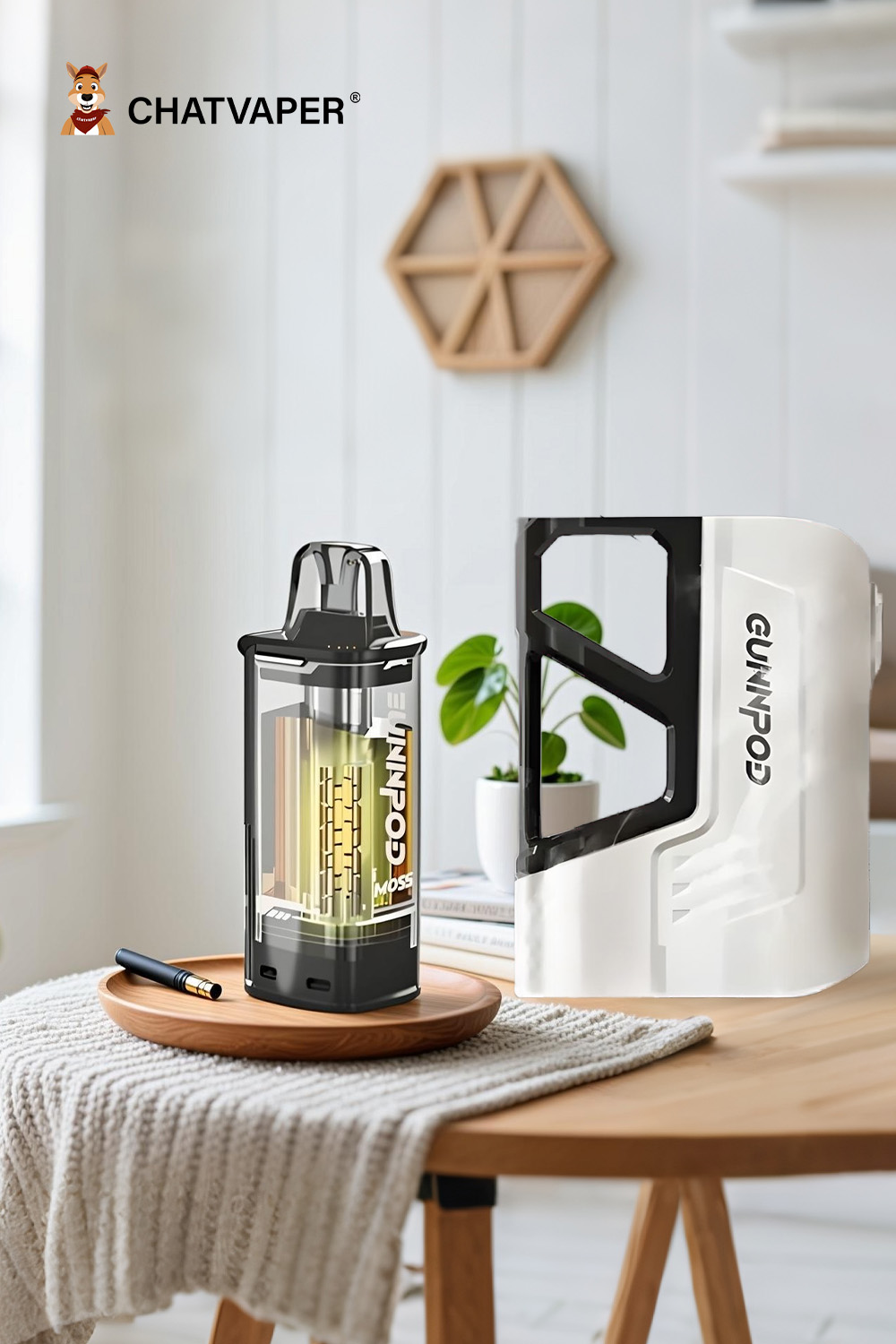
The Gunnpod Moss is a pod system. The replaceable Gunnpod Moss 8000 puff pod connects to the battery device.
-
How to Check: Gently pull the e-liquid pod out of the battery device. Check the contact points at the bottom of the pod and inside the device for any debris, dust, or condensation. Wipe them clean with a dry cloth or cotton swab, then firmly re-insert the pod. You should feel it click or seat securely. Now, try the 5-click unlock method again.
The Final Step: Contacting Your Retailer
If you have tried all the steps above—you are pressing fast enough, the device is charged, the pod is clean—and it is still unresponsive, you may have a rare manufacturing defect.
Under no circumstances should you attempt to open, modify, or perform a DIY repair. This is extremely dangerous due to the lithium-ion battery and will void any possibility of a warranty or support.
Your only course of action is to contact the customer support of the reputable store where you purchased it. A trusted retailer like ChatVaper has policies and a dedicated team to handle these rare situations and will provide you with a safe and appropriate solution.
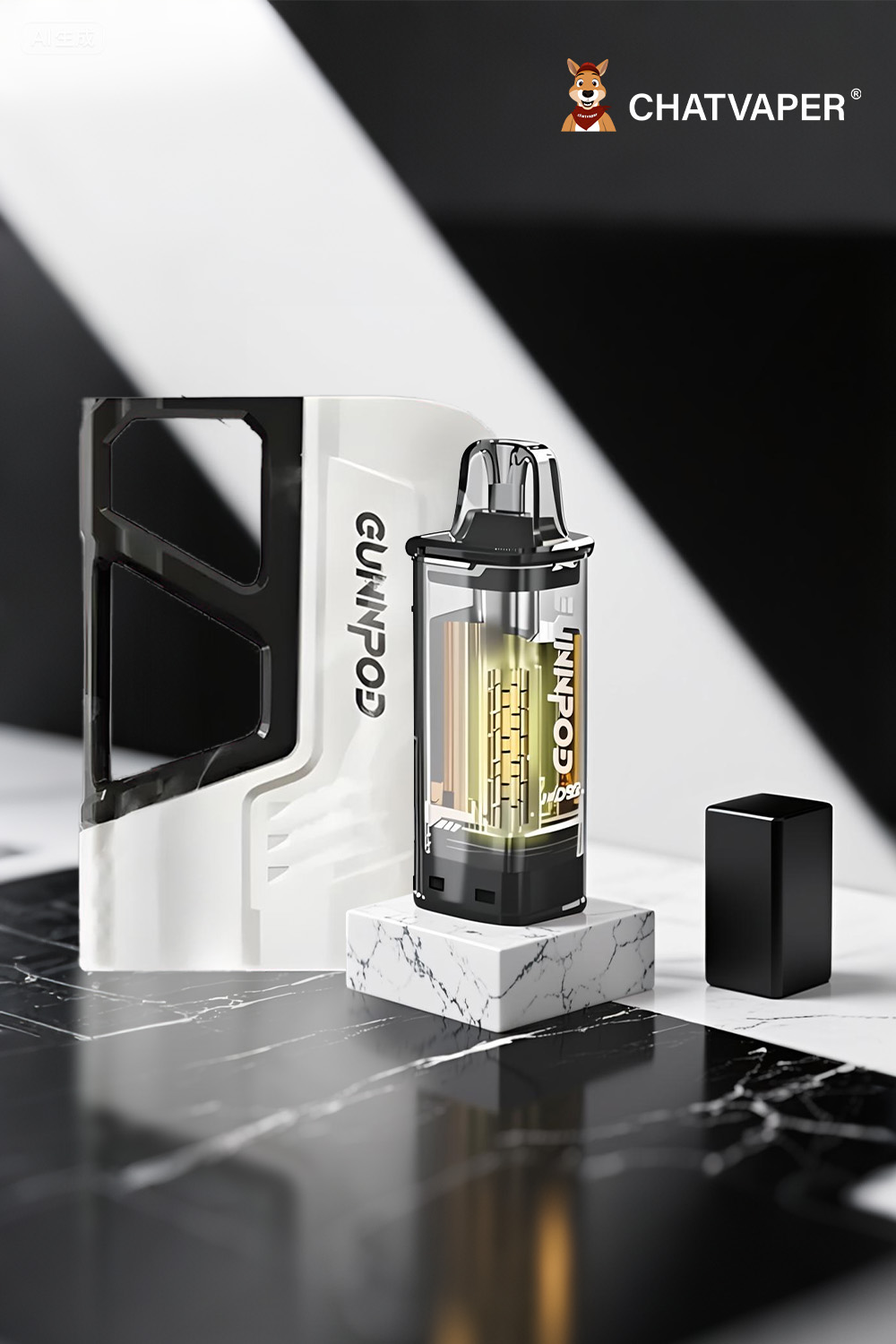
A Tour of Your Newly Unlocked Device: Getting to Know the Smart Features
Now that your Gunnpod Moss is unlocked, you have access to a suite of advanced features that elevate your vaping experience.
-
The Smart Screen: Keep an eye on your battery life in real-time. No more guessing!
-
Boost Mode: Press the button (as per the device instructions, often 3 times) to activate Boost Mode. This will increase the power for a warmer, richer, and more intense flavour experience.
-
Airflow Control: Use the slider at the base of the device to customize your draw. Open it up for big, airy clouds or close it down for a tighter, more flavour-focused hit.
-
Replaceable Pods: When your pod is empty, you don't need to throw away the whole device. Simply purchase a new Gunnpod Moss 8000 flavour pod and click it into your reusable battery.
The Importance of Authenticity: Why a Real Gunnpod Moss is a Safer Vape
The child lock feature is controlled by the device's internal chipset. This is a sophisticated piece of technology that counterfeit manufacturers cannot replicate accurately.
When you buy a fake Gunnpod Moss, you are not just getting a poor-quality vape; you are getting an unsafe one. A counterfeit may have:
-
A non-functional or unreliable child lock.
-
No safety features to prevent overheating or short-circuiting.
-
A low-grade battery that poses a fire risk.
The only way to guarantee you have a device with a fully functional and reliable child lock is to purchase a 100% authentic product. This is why choosing a reputable supplier is so critical. Sourcing from a trusted gunnpod warehouse distributor like ChatVaper ensures you receive a genuine device with all its safety features intact.
Gunnpod Moss Unlocking FAQ: Your Top Questions Answered
Q: How do I know if my Gunnpod Moss is locked? A: The easiest way to tell is that when you inhale, nothing will happen. The screen will remain off, and no vapour will be produced.
Q: Is the 5-click method the only way to unlock it? A: Yes. For the Gunnpod Moss, the 5-click method is the standard and only way to engage or disengage the child lock.
Q: Can the device get permanently stuck in the locked position? A: It's extremely unlikely. If the device won't unlock after following the troubleshooting steps, the issue is almost certainly a dead battery or a genuine internal fault, not the lock itself being "stuck."
Q: Do I have to lock it every time I'm done using it? A: While not mandatory, it is a highly recommended safety practice, especially if you have children or pets in your home, or if you carry the device in a crowded bag.
Conclusion: Safety, Simplicity, and the Smart Vaping Experience
The child lock on your Gunnpod Moss 8000 is a gateway. It is the first feature you interact with, and it represents the device's commitment to safety and smart design. By mastering the simple 5-click method, you not only get your device working but also take the first step in exploring the rich, customizable experience it offers.
Remember that the ultimate key to a flawless experience is authenticity. By choosing a trusted, local Australian retailer like ChatVaper, you ensure that the device in your hand is genuine, safe, and backed by expert support.
Ready to explore the full potential of your newly unlocked device